Saved on your computer.
Your project records and images live locally in the desktop app. Online AI services are used when you choose to connect them.
A DESKTOP APP FOR WRITERS AND WORLDBUILDERS
Write your novel, develop a game world, or explore a creative project. Keep characters, places, stories and visual references together in ArkaneMatter.
See the appA LOOK INSIDE
Explore the tools
for building your world.
Organize characters, places, species and more. Give each entry its own notes, images and connections to the rest of your project.
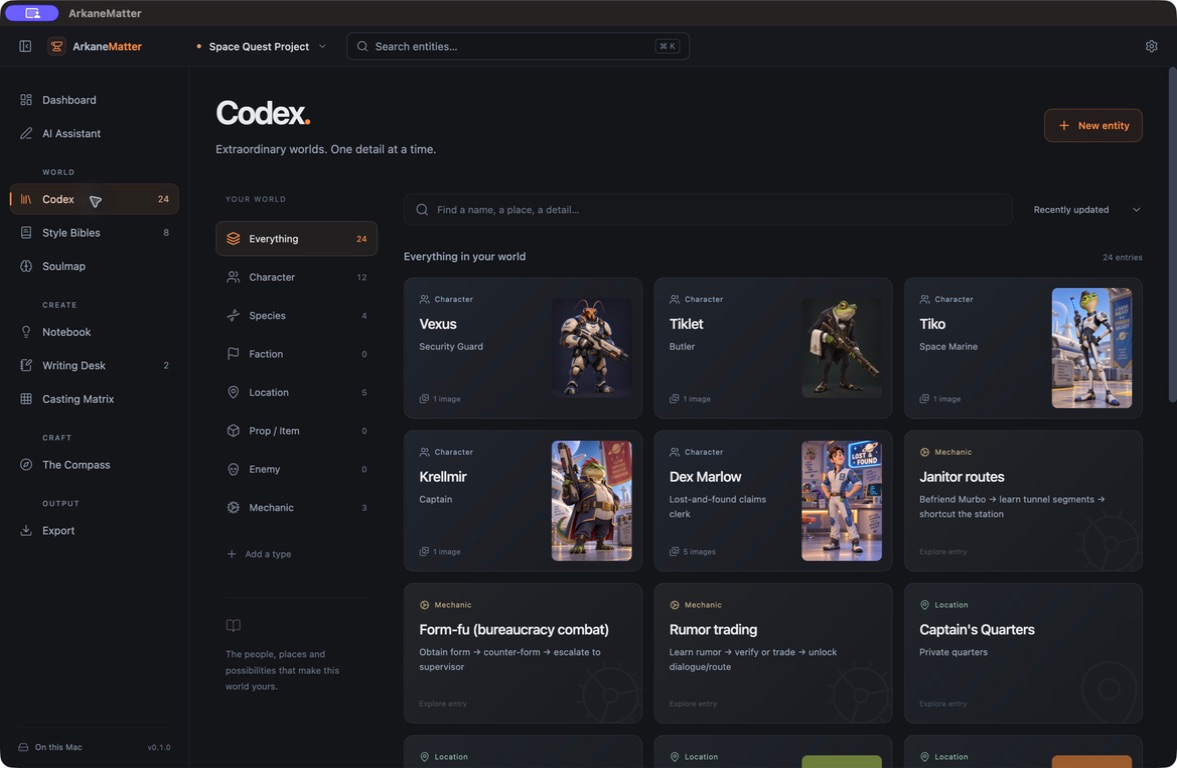
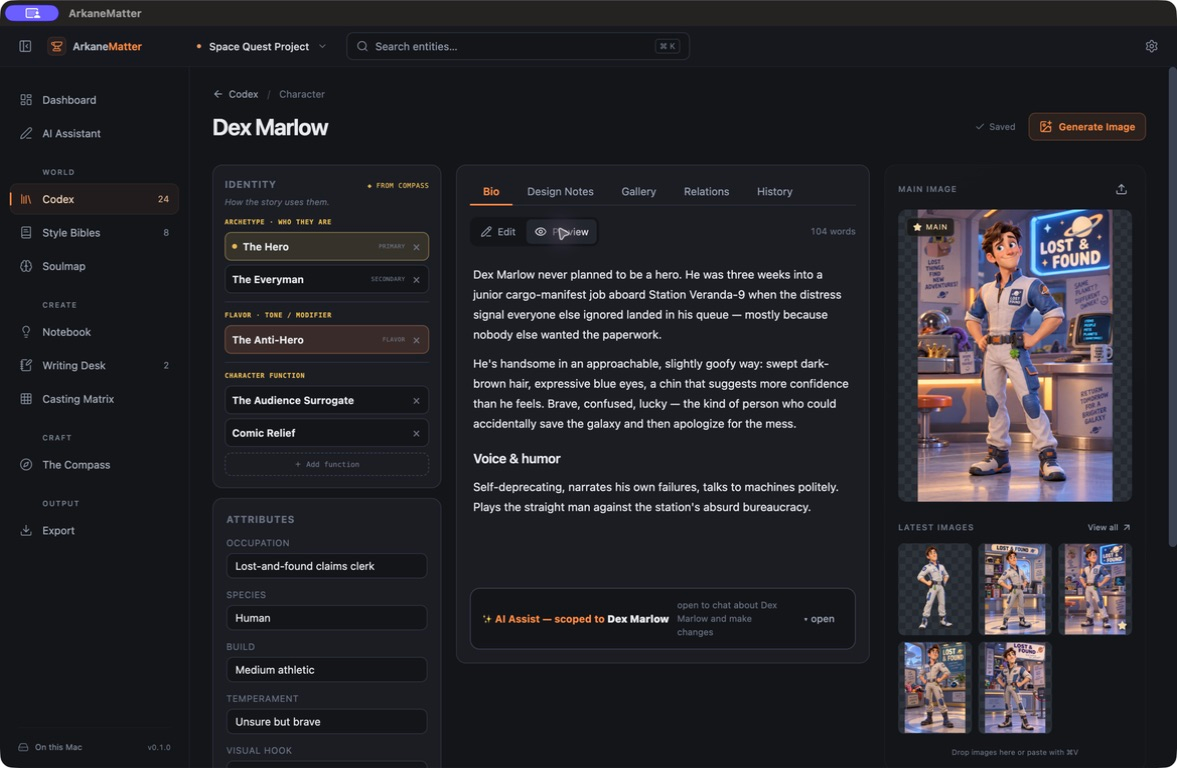
Develop their biography, role and defining traits. Keep design notes, relationships and reference images with the character they describe.
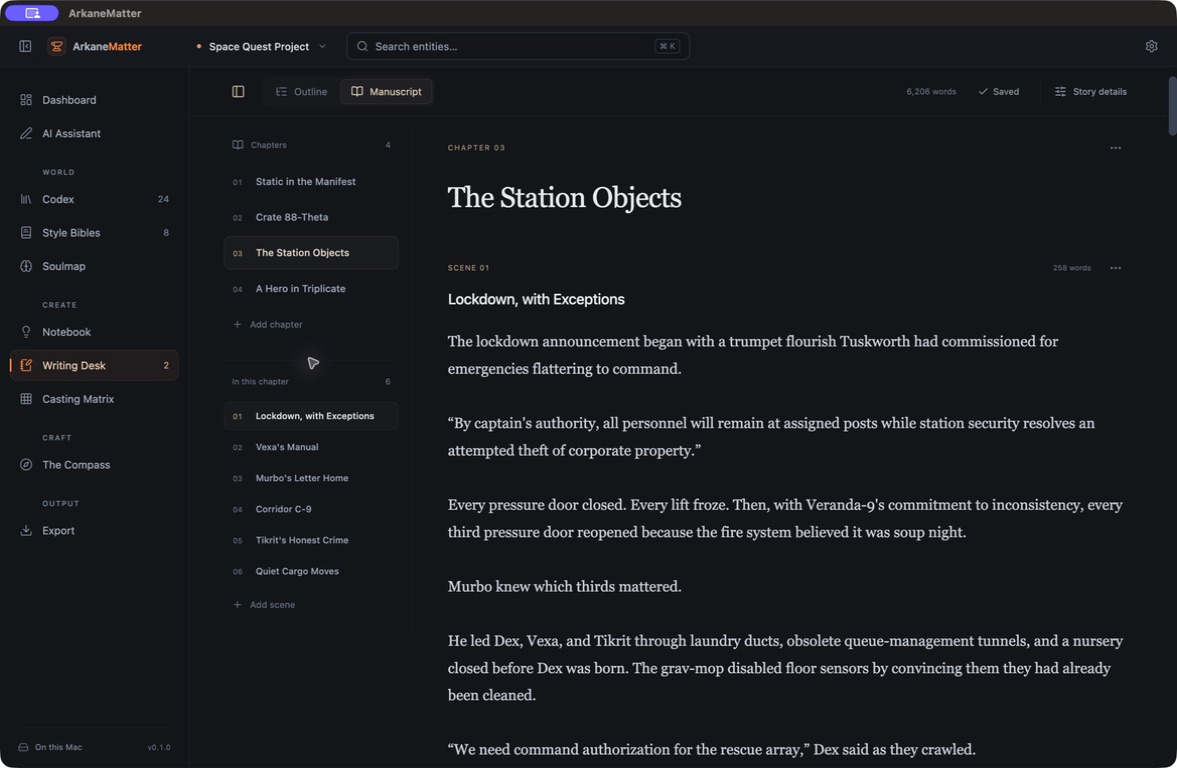
Plan the outline and write the prose in the same project as your world. Move between scenes with the chapter navigator.
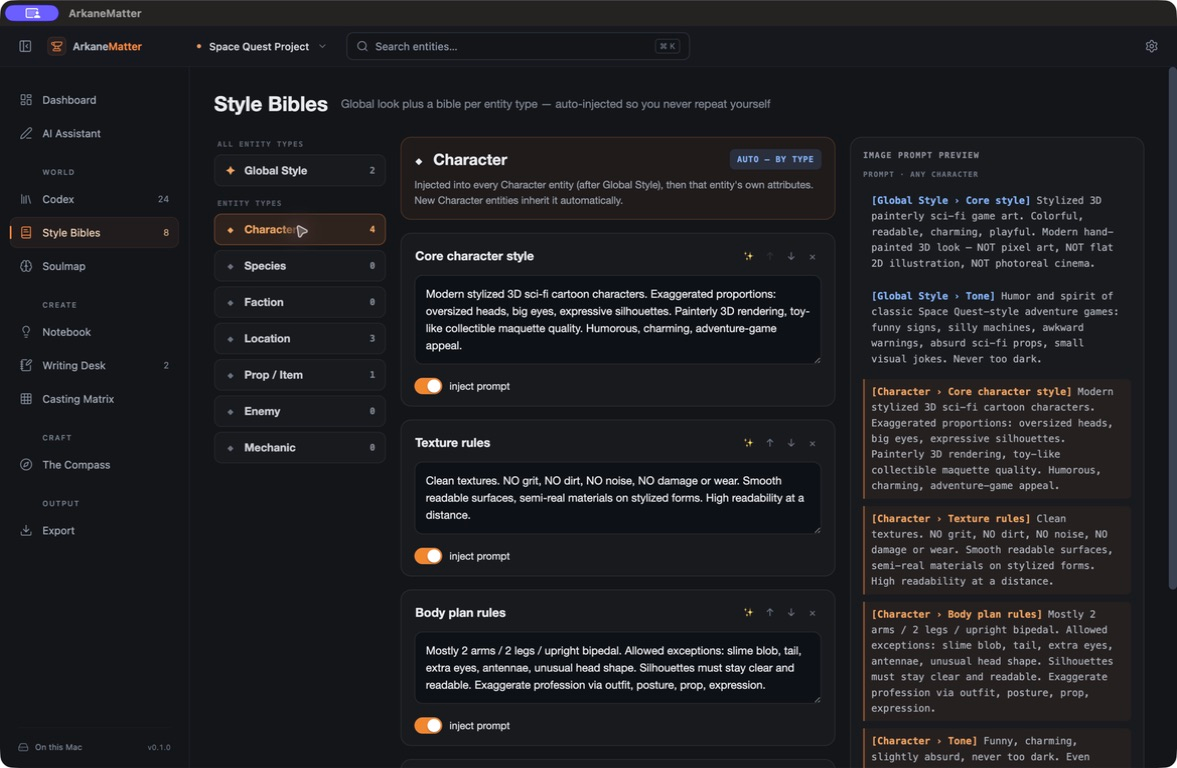
Define style rules for your project and its characters, places or objects. ArkaneMatter includes those rules in image prompts for your connected AI provider.
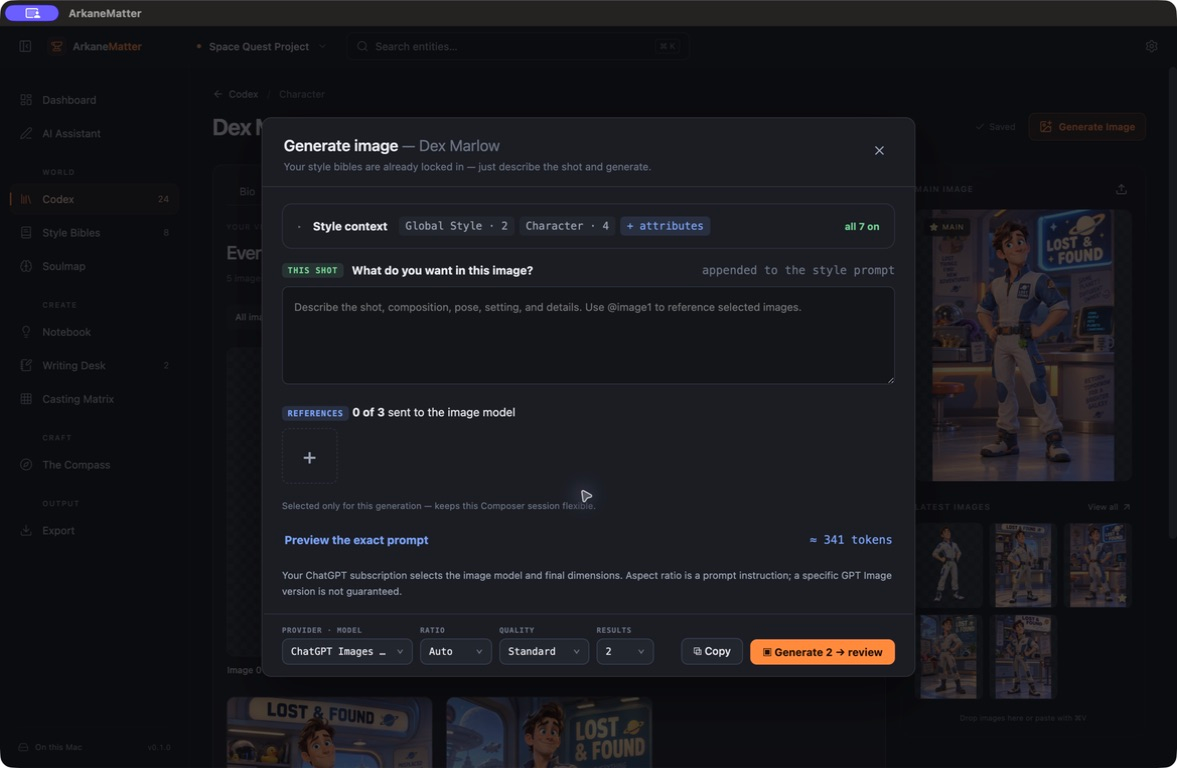
Generate images from a character or place in your world. Bring its details, your style rules and reference images into the prompt, then choose the results that fit your vision.
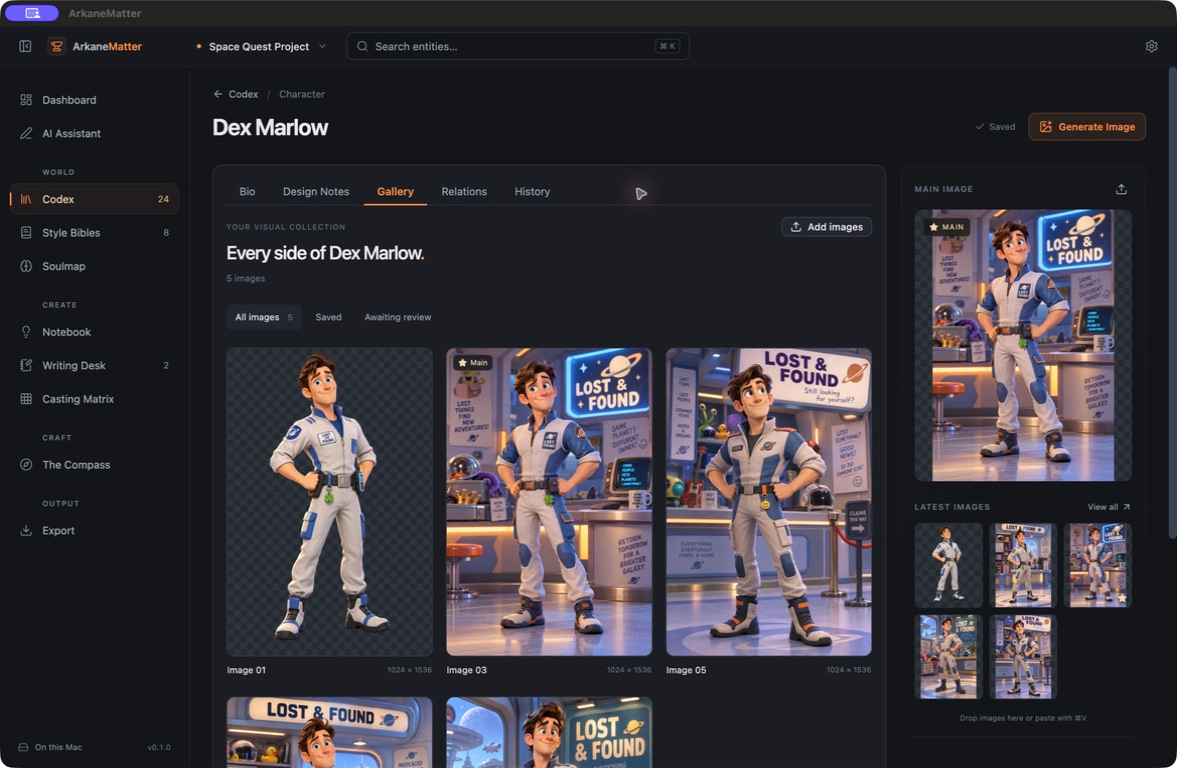
Browse the images attached to a character or place. Keep different directions together and choose a cover image for its record.
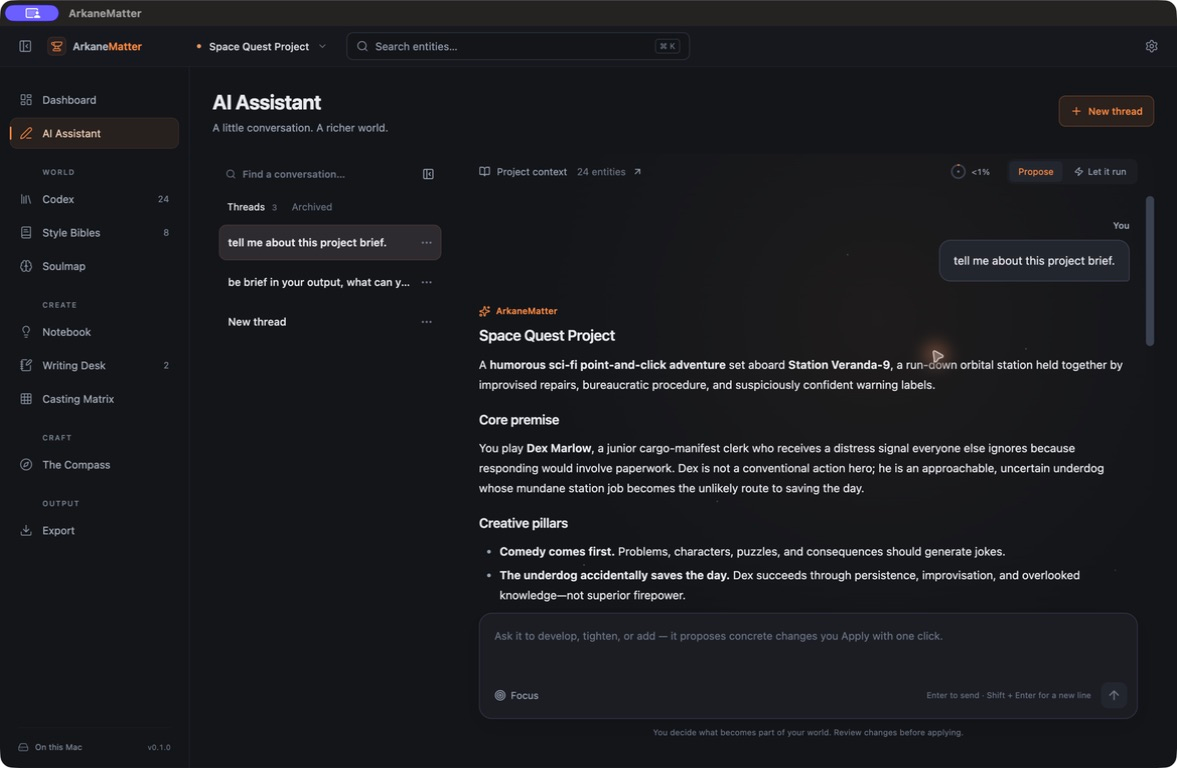
Discuss your world, work through story ideas and ask for changes to its records. Use Propose mode to review those changes before applying them.
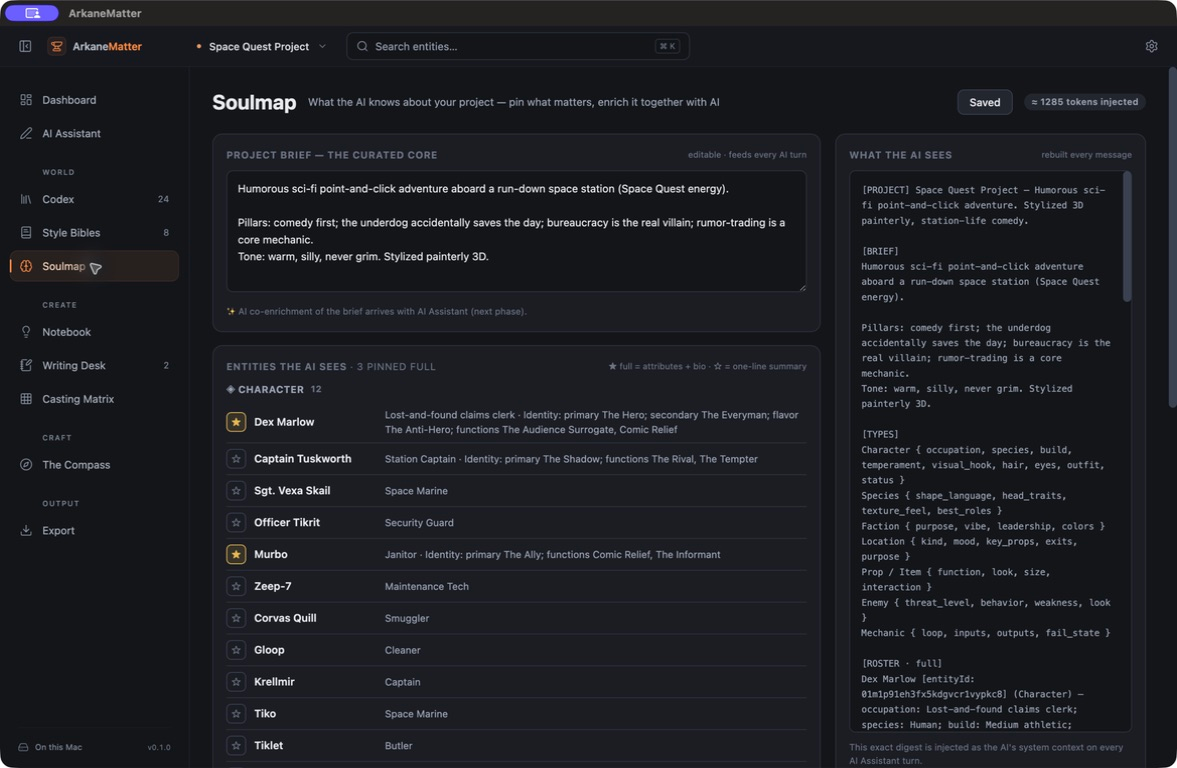
Set the premise, tone and creative priorities of your world. Pin important entries for fuller context and see the project brief your assistant receives.
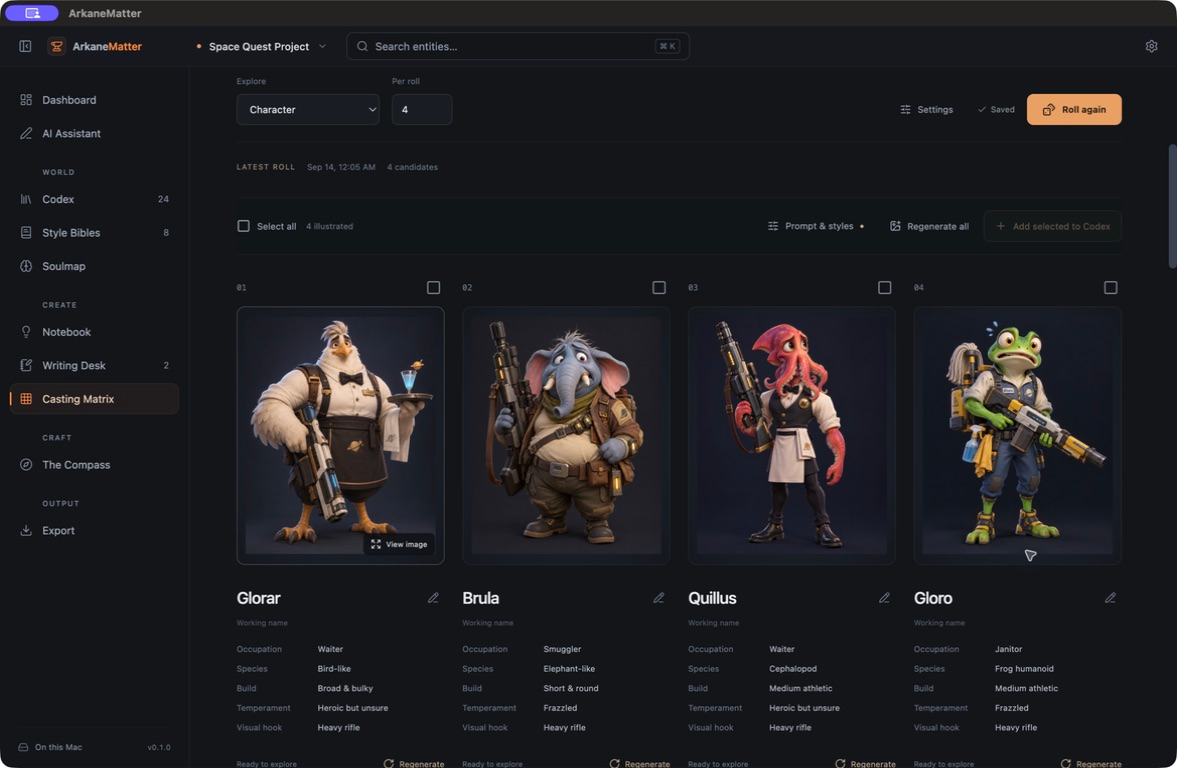
Mix traits such as occupation, species and temperament to explore new combinations. Illustrate promising candidates and add the ones you want to develop to your Codex.
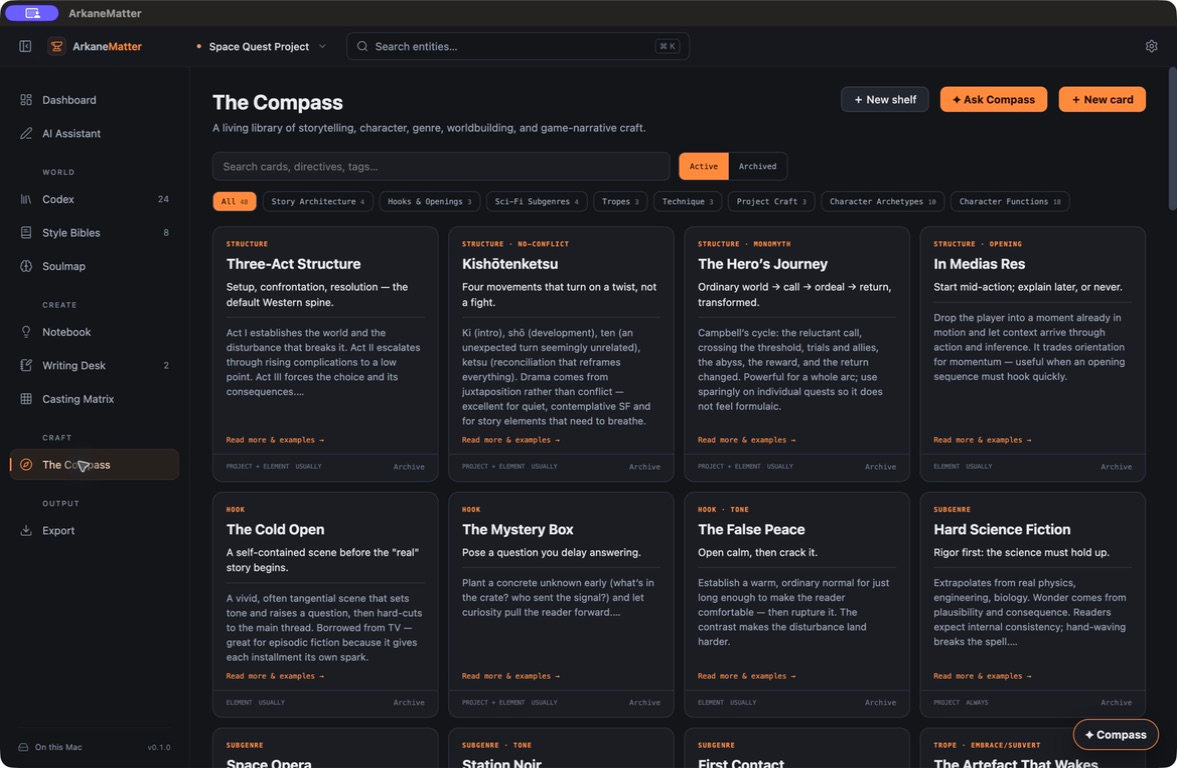
Explore a library of story structures, character roles, genres and techniques. Collect the guidance that helps you shape the stories and worlds you want to make.
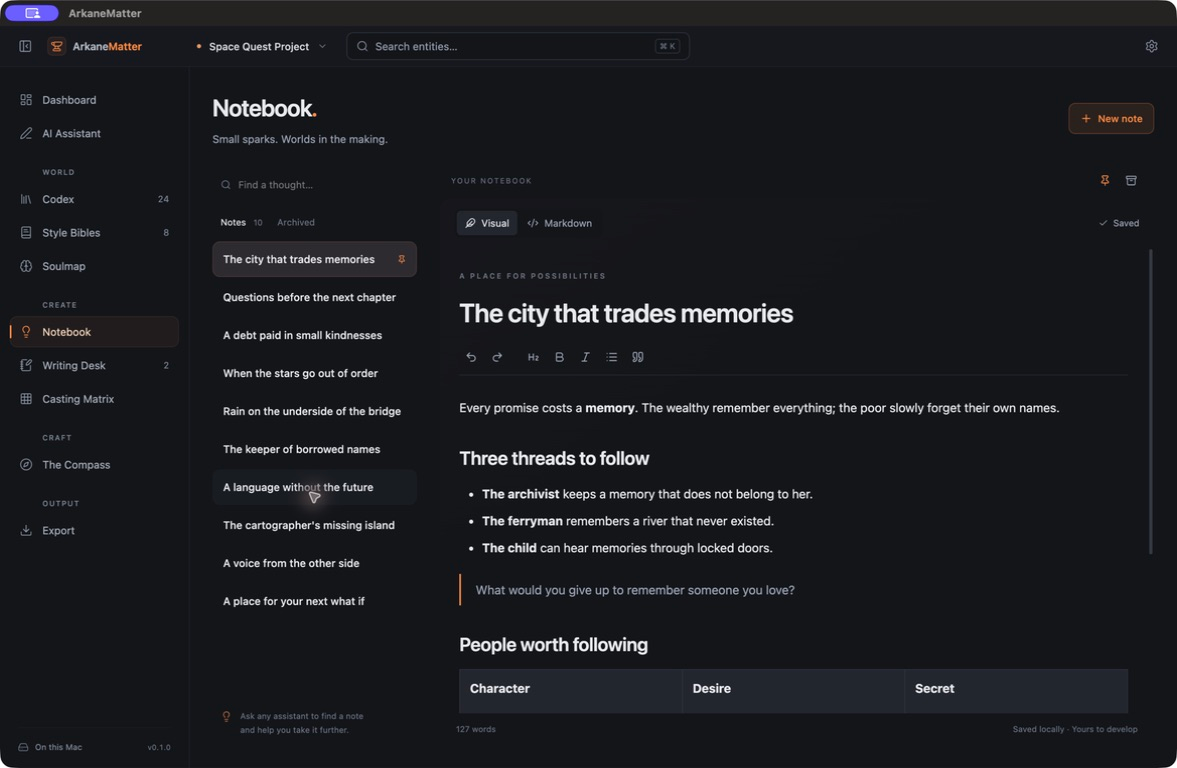
Capture a scene, a question, a setting or a half-formed idea. Keep notes alongside your world and return to them as your vision takes shape.
Screenshots from the desktop app in development.
HOW IT WORKS
Your project records and images live locally in the desktop app. Online AI services are used when you choose to connect them.
Your manuscript, world entries and visual references belong to the same project. Keep the background details close while you write or develop a game concept.
Use supported API keys or subscription connections for text and images. You decide what to generate and what to keep.
IN DEVELOPMENT
Desktop downloads will be available here when the first release is ready.